Python 3.9 end of life: dates and what to upgrade to
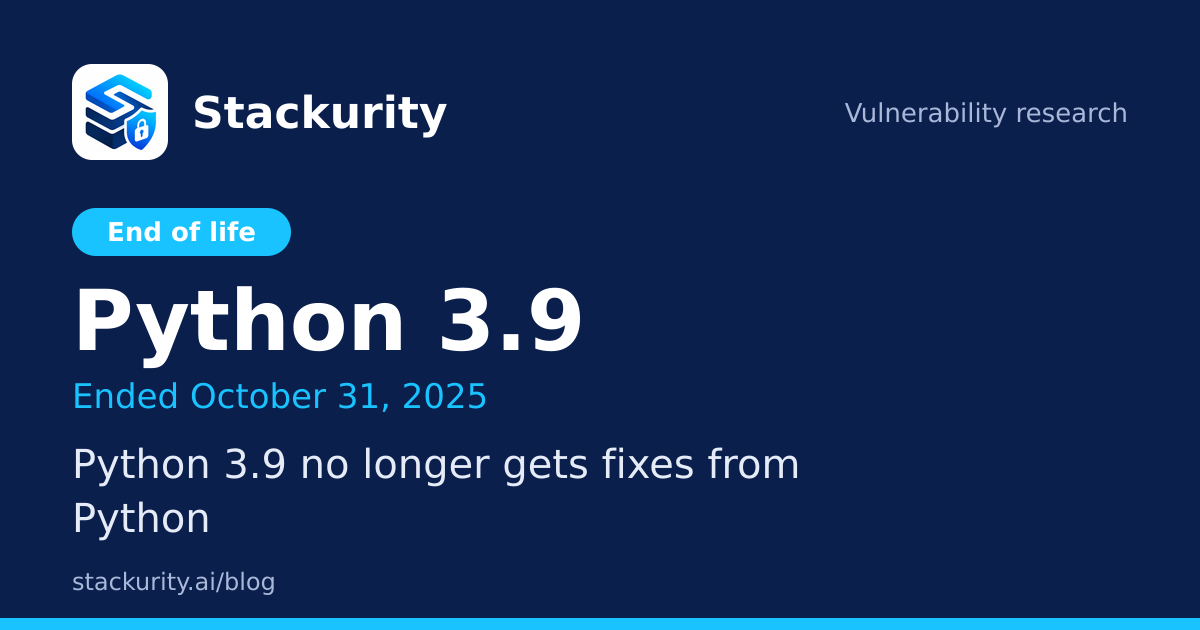
Python 3.9 reached end of life on October 31, 2025. See what that means, how to check a server and which Python branch to upgrade to.

TL;DR
- Python 3.9 reached end of life on October 31, 2025, so the Python project no longer releases fixes for it.
- The branch was first released on October 5, 2020. It is now in the unsupported list on the Python Software Foundation's status page.
- Anything still running Python 3.9 from python.org, pyenv or a container image gets no upstream security fixes for new flaws.
- Upgrade to a branch that is still supported: Python 3.15 runs to October 2031, and Python 3.14, 3.13 and 3.12 are also supported.
- Stackurity reports Python installed outside a package manager with python.org's end-of-life dates, and checks them against your inventory every day.
What reaches end of life and when
Python releases a new branch every year, and each branch follows the same pattern in the Python Software Foundation's schedule: a period of bug fixes and security fixes, then a period of security fixes only, then end of life. The Python developer guide status page lists the branch we care about here, 3.9, with a first release of October 5, 2020 and an end of life of October 31, 2025. The endoflife.date page for Python shows the same cycle with the same two dates.
That means Python 3.9 has no remaining phase. The project's own page lists it as end-of-life, and it sits in the same group as the other branches the project no longer touches. There is no extended support option from the project. Any security support that still exists comes from outside the project, most often from a Linux distribution that packages its own build.
What that means
The practical effect is simple. When someone finds a new vulnerability in the Python interpreter or its standard library, the project fixes it in the branches that are still supported. Python 3.9 is not one of them, so a server running it directly from python.org, from pyenv or from a base image built on it will not receive that fix.
There are three other costs. Audits and customer questionnaires ask which runtimes are still supported, and a finished branch needs an exception with an owner and a date. Third party libraries drop old branches over time, so you will find newer releases that refuse to install, and you will be stuck on old library versions that have their own known flaws. And the longer you wait, the larger the jump: a move from 3.9 to a current branch crosses several releases of removed and changed behaviour, so doing it in one go is harder than doing it in smaller steps.
Nothing breaks on a given day. Scripts keep running and services keep answering. The risk is the next flaw, and the time you will have to spend then. It is the same situation we described for other runtimes this season, such as a PHP release line and a .NET release.
What to upgrade to
The status page and endoflife.date agree on end-of-life dates for these branches, listed with the longest support first:
- Python 3.15: first released on October 9, 2026, end of life in October 2031.
- Python 3.14: end of life in October 2030.
- Python 3.13: end of life in October 2029.
- Python 3.12: end of life in October 2028.
The newest branch gives you the most time before the next move, but a very new branch can lack wheels for some libraries. If a dependency blocks you, step to the newest branch it supports, and plan the next step then. Steps for a typical move:
- Find every use of Python 3.9: servers, containers, build images, virtual environments, scheduled jobs and the interpreter pinned in CI. Note the owner and exposure of each.
- Choose the target branch from the list above, and read that release's "What's new" page in the Python documentation for removed and changed features.
- Upgrade your dependencies first where you can: run your tests under the new branch in CI and update the libraries that fail on it.
- Rebuild virtual environments and images on the new branch rather than upgrading in place, then deploy to a test environment and run the full suite.
- Roll out in stages, keep the previous image for a quick rollback, and remove Python 3.9 from the hosts once nothing uses it.
How to check one server by hand
To see which Python a machine runs:
python3 --version
which -a python3
The second command lists every python3 on the path, which helps when a build in /usr/local hides the distribution's one. If you use pyenv, list its installed versions:
pyenv versionsTo see whether Python came from the package manager, ask it:
dpkg -l 'python3*'
rpm -qa 'python3*'
For virtual environments, run the python inside each one with --version. For containers, run the same commands inside the container and read the base image named in each Dockerfile, since the version often comes from there.
A caveat for Linux distributions: a distribution can keep backporting security fixes into its own Python package for as long as it supports that release, so a package that looks old may still be patched. Read the distribution's support notice, and still plan the move.
How Stackurity flags it
Stackurity matches end-of-life data against your inventory every day. For Python, the detail matters, so here it is exactly. Python installed outside a package manager, such as under /usr/local, /opt or pyenv, is reported with python.org's end-of-life dates. That is a lifecycle check only: it does not match vulnerabilities for those interpreters. A distribution's own python3 package on a supported release gets no end-of-life finding, because the distribution keeps patching it.
The value is the list across everything you run, and one place to see which team owns each item. Each finding says why it applies, and after you rebuild, Check again asks the agent for a fresh report and records whether the issue is gone. See the compatibility documentation for what each operating system and runtime gets. Start a free trial of Stackurity and see where Python 3.9 still runs.
FAQ
When does Python 3.9 reach end of life?
Python 3.9 reached end of life on October 31, 2025, according to both endoflife.date and the Python Software Foundation's status page. The core team no longer publishes releases for it.
Is Python 3.9 still getting security updates?
Not from the Python project. The branch is marked end of life, so a new flaw in the interpreter is fixed only in newer branches. A Linux distribution that ships its own Python package may keep patching it, which is that distribution's decision.
What should I upgrade Python 3.9 to?
Move to a branch that is still supported. Python 3.15 has the longest runway, with end of life in October 2031. Python 3.14 runs to October 2030, Python 3.13 to October 2029 and Python 3.12 to October 2028. Pick the newest one that your libraries support.
Does my Linux distribution's Python 3.9 count as end of life?
The upstream branch is finished, but a distribution that still supports its own Python package keeps backporting security fixes into it. Read the distribution's own support notice before you decide. Do not treat that as a reason to wait, because the distribution will end support eventually as well.
Does Stackurity flag Python 3.9?
Python installed outside a package manager, for example under /usr/local, /opt or pyenv, is reported with python.org's end-of-life dates. That check covers the lifecycle only, with no vulnerability matching. A distribution's own Python package on a supported release gets no end-of-life finding, because the distribution keeps patching it.
Sources
Sources: Python Software Foundation status of Python versions, endoflife.date: Python and the Stackurity product facts.