Redis 8.0 end of life: December 1, 2026 and what to do
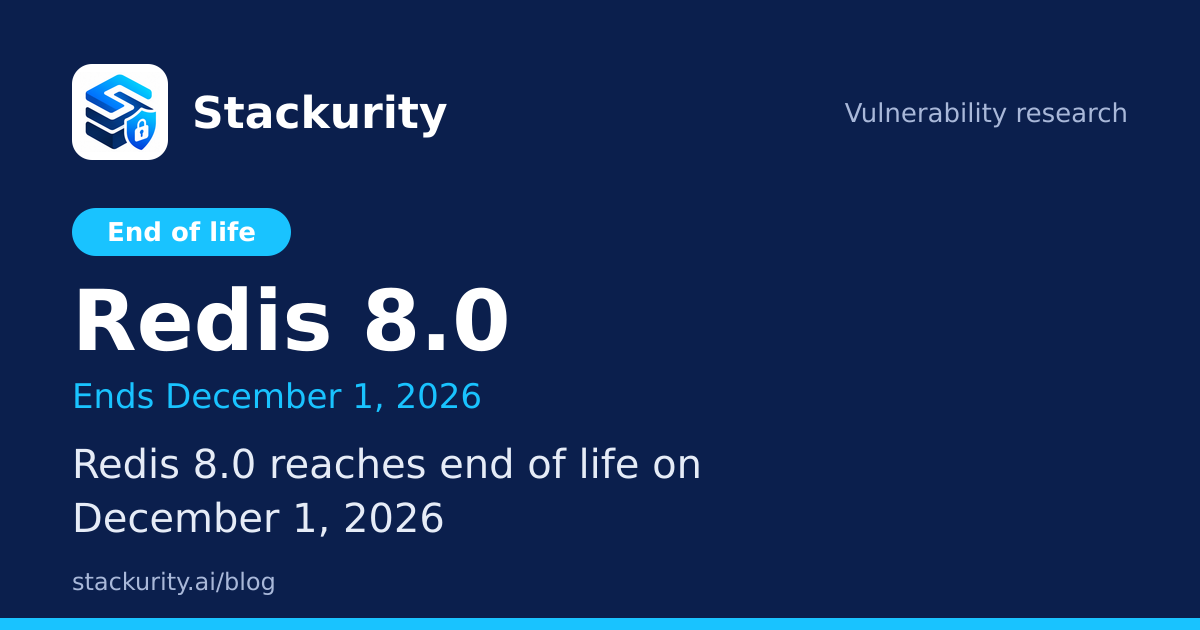
Redis 8.0 reaches end of life on December 1, 2026. See who is affected, how to check one server and how to plan the upgrade.

TL;DR
- Redis 8.0 reaches end of life on December 1, 2026, according to endoflife.date, about three weeks from today.
- The same record shows active support for the line ended on August 4, 2025, so for months it has been fixed only on a best effort basis.
- The latest release in the line is 8.0.6. Update to it now, then plan the move to a Redis release line that is still supported.
- After the end of life date, new vulnerabilities will be fixed only in newer release lines, so any Redis 8.0 server left behind keeps its flaws.
- Stackurity matches end-of-life data against your inventory every day, including Redis found in packages, images and ElastiCache.
What reaches end of life, in plain English
Redis is an in-memory data store that many applications use as a cache, a session store, a queue or a fast database. Each release line is supported for a limited time. While it is supported, the project ships patch releases that fix bugs and security flaws. When it reaches end of life, that stops, even if a serious flaw is reported the following week.
The endoflife.date record for Redis shows that Redis 8.0 was released on May 2, 2025. Active support ended on August 4, 2025, and the line reaches end of life on December 1, 2026. The record does not mark it as a long term support release, and it lists no separate extended support date, so December 1, 2026 is the date to plan around.
Why it matters now
Nothing stops working on the day. Your applications keep running and your cache keeps answering. What changes is the next time a flaw is found: a supported line gets a patch and you update, while an unsupported line gets nothing, and you must move to a newer release under pressure.
Redis is also easy to forget. It often sits behind an application, started years ago from a base image or a distribution package, with no one assigned to it. A cache that holds sessions or tokens is a worthwhile target, and a data store reachable from more hosts than intended turns any unpatched flaw into a larger problem. Our guide to an end of life database release covers the same pattern for another data store, and teams that run both face two deadlines in a few weeks.
There is also an audit cost. Customers and auditors ask which components are still supported, and a data store on an unsupported release needs an exception, a compensating control or a dated upgrade plan. It is far easier to have the plan before the date than to explain the gap afterwards.
Upgrades take time because applications may depend on client libraries, modules, persistence settings or managed service options tied to one release line. Three weeks is not enough to finish a careful upgrade of everything, but it is enough to find every instance, patch to the latest release and put a date on each remaining move.
Am I affected?
You are affected if any server, container image, cache cluster or application you run uses Redis 8.0, in production, staging or a scheduled job. Any release whose version starts with the line number 8.0 belongs to it, up to the latest, 8.0.6.
To check one Linux machine by hand, run:
redis-server --version
redis-cli --version
The first prints the version of the server binary, and the second the version of the command line client, which can differ. To ask a running server what it is, connect and run:
redis-cli INFO serverThe output includes the version of the running server. To see whether Redis came from a distribution package, run one of these:
dpkg -l 'redis*'
rpm -qa 'redis*'
For a container image, run the same commands inside the container, and also read the image named in each Dockerfile and compose file, since Redis may come from the image rather than from your own packages. For a managed service such as ElastiCache, read the engine version in the provider console or API. Also search repositories for configuration that pins a Redis image tag.
One caveat applies to distribution packages. Linux distributions backport fixes, so a package version can look older than the upstream release while still containing a fix. The end of life date, however, is the upstream line's date: when the line ends, the distribution and the Redis project decide separately what they will keep supporting, so read your distribution's notice rather than relying on the upstream date alone.
How to upgrade away from Redis 8.0
- Find every use of Redis 8.0. List servers, container images, managed clusters and repositories, and note the owner, environment and data sensitivity of each.
- Update each one to 8.0.6, the latest release in the line, run the tests and deploy. This keeps you on the newest patched code while you plan the larger move.
- Choose the supported Redis line you will move to. Check the Redis release notes and the endoflife.date page for Redis for the current list, because it is not part of the data we cite here, and pick one your client libraries, modules and hosting service support.
- Rehearse the move on a copy. Restore a recent backup or snapshot into a test instance on the new line, run your application against it and compare behaviour, memory use and persistence settings before you touch production.
- Switch over in a maintenance window, keep the old instance until the new one has served traffic cleanly, and update base images and compose files to match.
- Check again after deploying. Confirm that no host or image still reports Redis 8.0, and record the instances you could not move before the date, each with an owner and a deadline.
How to check with Stackurity
Stackurity keeps one live inventory of your servers, applications, repositories, container images, Kubernetes workloads and AWS managed services, and matches it against end-of-life dates every day. A read-only agent reads installed packages on supported Linux distributions, and with the opt-in Docker setting it also reads the images of running containers. ElastiCache can be added as an AWS managed service. Instances on the Redis 8.0 line appear in a short list, most urgent first.
Be aware of the limits. Network appliance firmware, statically linked libraries and libraries copied into an application outside a package manager are not covered, so check those by hand. After you upgrade, check again asks the agent for a fresh report and records whether the issue is really gone. See how Stackurity handles fixes in the docs. The core is open source, and Stackurity Cloud has a 14-day free trial without a card: start a free trial.
FAQ
When does Redis 8.0 reach end of life?
According to endoflife.date, Redis 8.0 reaches end of life on December 1, 2026. After that date the release line gets no further fixes.
Is Redis 8.0 still getting security updates?
Until its end of life date, the line is still listed as supported, and the latest release in it is 8.0.6. After December 1, 2026 new flaws will be fixed only in newer release lines. The record shows active support for 8.0 ended on August 4, 2025.
What should I upgrade Redis 8.0 to?
Move to a Redis release line that the Redis project still supports. Read the Redis release notes and the endoflife.date page for Redis for the current list, then pick the line with the longest remaining support that your clients, modules and hosting service accept.
Does Stackurity find Redis 8.0 on my servers?
Stackurity reads installed packages on supported Linux distributions, can read the images of running Docker containers when you opt in, and can add AWS managed services such as ElastiCache. It matches end-of-life data against that inventory every day. Redis on appliances, or copied into an application outside a package manager, is not covered.
Sources: endoflife.date record for Redis, Stackurity product facts.