GT13 campaign: Check Point management servers breached
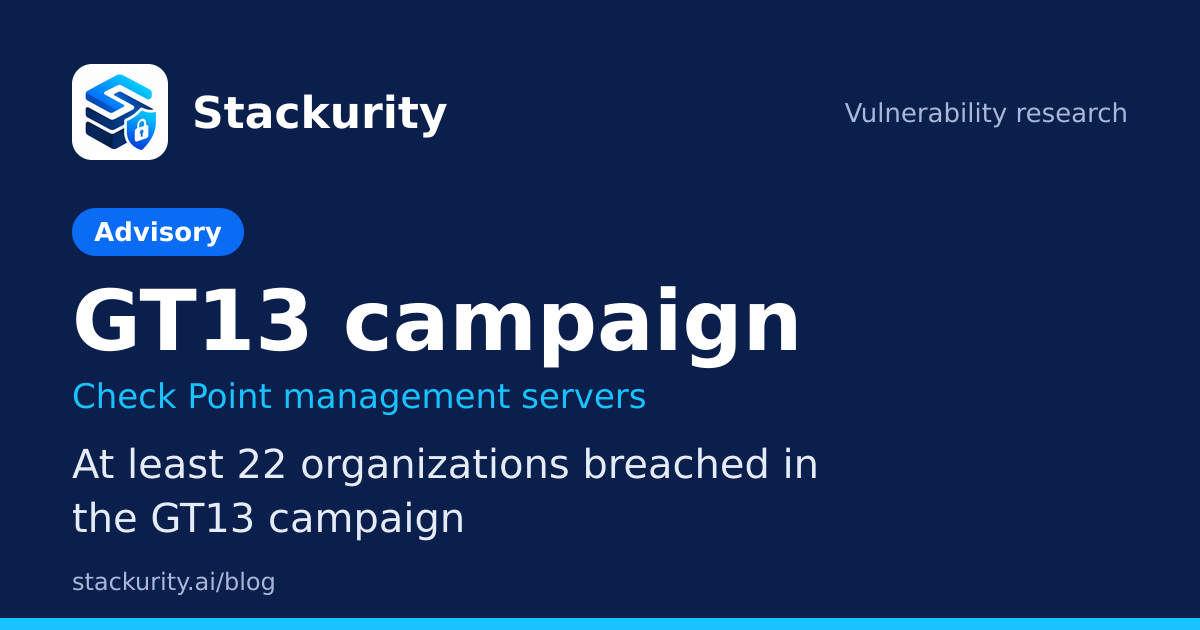
GreyNoise reports the GT13 campaign hit at least 22 organizations via Check Point management servers. Who should check, what to patch, and how.

TL;DR: GreyNoise reports a campaign it calls GT13 that broke into at least 22 organizations through Check Point management servers. One entry point it describes is a Rejetto HFS file server with CVE-2026-61500. Patch both, and lock down who can reach management interfaces.
What happened
Security Affairs summarises a GreyNoise report on GT13, an unattributed campaign that GreyNoise believes was probably assisted by AI. The confirmed attacks ran from October 17 to November 2, 2026, and hit at least 22 organizations in many countries and industries. GreyNoise says it cannot name a threat group, and the activity may still be running.
According to the report, the intrusion began on a file server running Rejetto HFS. CVE-2026-61500 hits Rejetto HFS from 3.0.0 up to 3.2.0: the session-cookie signing key comes from a weak random number generator, so an attacker who collects a few login responses can forge an administrator cookie and reach remote code execution. NVD lists a CVSS v3.1 score of 9.8 for it, as scored by VulnCheck. NVD does not list a fixed version in its fields, so read the Rejetto release notes and the VulnCheck advisory linked from the NVD page for the version to move to.
Separately, CVE-2026-16232 is an authentication bypass in Check Point SmartConsole login on Quantum Security Management and Multi-Domain Security Management. NVD gives it a CVSS v3.1 score of 9.8, and CISA added it to its Known Exploited Vulnerabilities catalogue on July 22, 2026. Exploitation needs the management server to be reachable from the internet and its list of allowed client hosts to be left open. We cannot say from our records that GT13 used this flaw, so treat it as a related risk to close, not as a confirmed link.
Am I affected?
You should look closely if any of these is true:
- You run Check Point Security Management or Multi-Domain Security Management and its address is reachable from the internet.
- The allowed client list on that management server is left open.
- You run HFS from 3.0.0 up to 3.2.0, especially on a server that faces the internet.
Practical steps for any team: take management interfaces off the public internet, restrict Trusted Clients to named administrator hosts, apply the vendor fix from Check Point's advisory, update HFS, and then review the SSH authorized keys file for root and the HFS configuration for commands you did not add. GreyNoise describes attackers adding an SSH key, so an unexpected key is a sign of compromise: rotate credentials and rebuild the host rather than just deleting it.
How to check with Stackurity
Be clear about the limits first. Stackurity does not cover network appliance firmware, so a Check Point management appliance is outside what it assesses. It also does not assess software copied onto a server outside a package manager, other than the front-end libraries it recognises by version banner, so a hand-installed HFS may not appear in the inventory either. Check those two by hand using the steps above.
What Stackurity does well here is the rest of the estate: it keeps one inventory of the Linux servers, applications and images you run, matches it against new advisories and the CISA Known Exploited Vulnerabilities catalogue every hour, and checks again after a fix to record whether the issue is gone. That helps you see which other internet-facing hosts need attention while you handle the management servers. For a related Check Point story, read our post on the Check Point gateway flaw exploited for root access.