How to plan an upgrade off an end-of-life runtime
A step by step plan to move applications off an end-of-life runtime such as PHP or Node.js: find the dates, pick a target, upgrade in order and confirm.

TL;DR
- Goal: move every application off a runtime that no longer gets security fixes, without a rushed weekend of breakage.
- Key idea: take the end-of-life date from the vendor's own schedule, pick a target line that has the longest support left, and move one application at a time with tests.
- Examples: PHP 8.1 reached end of life on December 31, 2025, and Node.js 20 is already listed as end of life.
- How to check it worked: the running version is the new one everywhere, the old one is gone from images and servers, and your inventory shows no end-of-life runtime.
Why it matters
A runtime is the layer your application code stands on. When its vendor stops supporting it, new vulnerabilities in that runtime are no longer fixed, so every flaw found from then on stays open for as long as you keep running it. Nothing breaks on the day support ends, which is exactly why it is easy to ignore. The risk grows quietly, and the upgrade you postponed for a calm month becomes a forced one after the next headline flaw.
There is also a practical cost. Auditors and customers ask which components are unsupported, and application vendors stop testing against old runtimes. Planning the move early keeps it a normal piece of engineering work. For a related task, see our guide on how to safely upgrade a vulnerable npm dependency, and our end-of-life guide for an older PHP line.
Before you start
- A list of every place a runtime runs: servers, container images, build agents and developer tooling. Applications often carry their own copy, so the server list alone is not enough.
- Write access to the repositories that build those applications, and a test suite or at least a smoke test for each one.
- A staging environment that matches production closely enough to run the new runtime.
- A maintenance window and a rollback plan for each application, even a simple one: keep the old image or package available until the new one has run cleanly.
Step by step
- Find the dates. For each runtime, open the vendor's schedule and write down the end-of-life date. The Node.js project publishes a schedule with a final date per line: line 22 ends on April 30, 2027, line 24 on April 30, 2028 and line 26 on April 30, 2029. PHP publishes its supported branches: branch 8.2 gets security fixes until December 31, 2026, and branch 8.5 until December 31, 2029.
- Sort by urgency. Put anything already past its date first, then anything within one planning cycle. A runtime whose date is behind you, such as PHP 8.1 (last release 8.1.34), goes to the top of the list.
- Choose the target line. Pick the line with the most support left that your libraries can run on. For Node.js, production use should stay on a long-term support line, so choose one of those and not a short-lived Current release. If you manage several Node.js versions on one machine, a version manager such as
nvmlets you install and test the new line beside the old one. - Read the migration notes. Each vendor lists the changes between releases. PHP links a migration guide for each branch. Note removed features and changed defaults, and search your code for them before you change anything.
- Upgrade the lowest-risk application first. Build it on the new runtime in staging, run the tests, fix what breaks and deploy it. Use what you learn to estimate the rest, and write down every problem you hit so the next team does not meet it again.
- Roll out in order. Move the remaining applications in the order from step two. Rebuild container images instead of patching running containers, and retire the old base image so nobody deploys it by accident.
- Remove the old runtime. Delete the old packages and images once the last application has moved. A runtime that is installed but unused is still reported and still gets found by scanners.
How to confirm it worked
Do not trust a change ticket; check the running software. On each server, ask the runtime for its version from the same user and path your service uses, because the command line version can differ from the one the service loads. For containers, check the image tag of what is actually running, not the tag in the repository.
Then check the inventory side. No application should still report the old line, no image should still be built from the old base, and the end-of-life list from step one should show every item either moved or covered by a dated exception. Repeat the check after the next deploy, since an old base image can come back through a forgotten pipeline.
How Stackurity helps
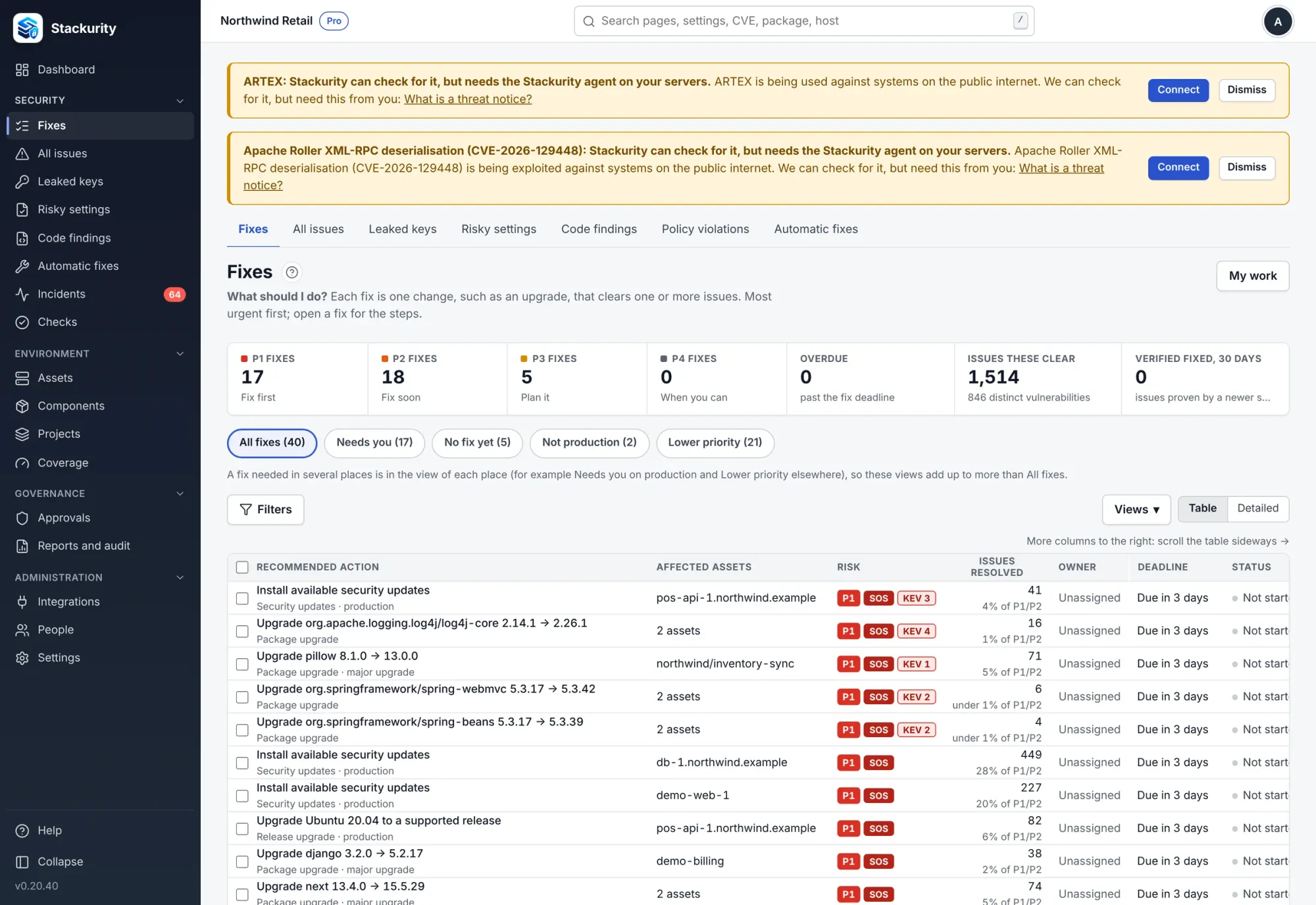
The hard part of this task is the first list: knowing every place a runtime runs. Stackurity keeps one live inventory of the software on your servers, deployed applications, repositories and container images, and matches it against end-of-life dates every day. Its read-only agent reads runtimes installed by hand on Linux servers, and one list of upgrades puts the most urgent first, with every place each upgrade is needed. See the remediation documentation for how that list is ordered.
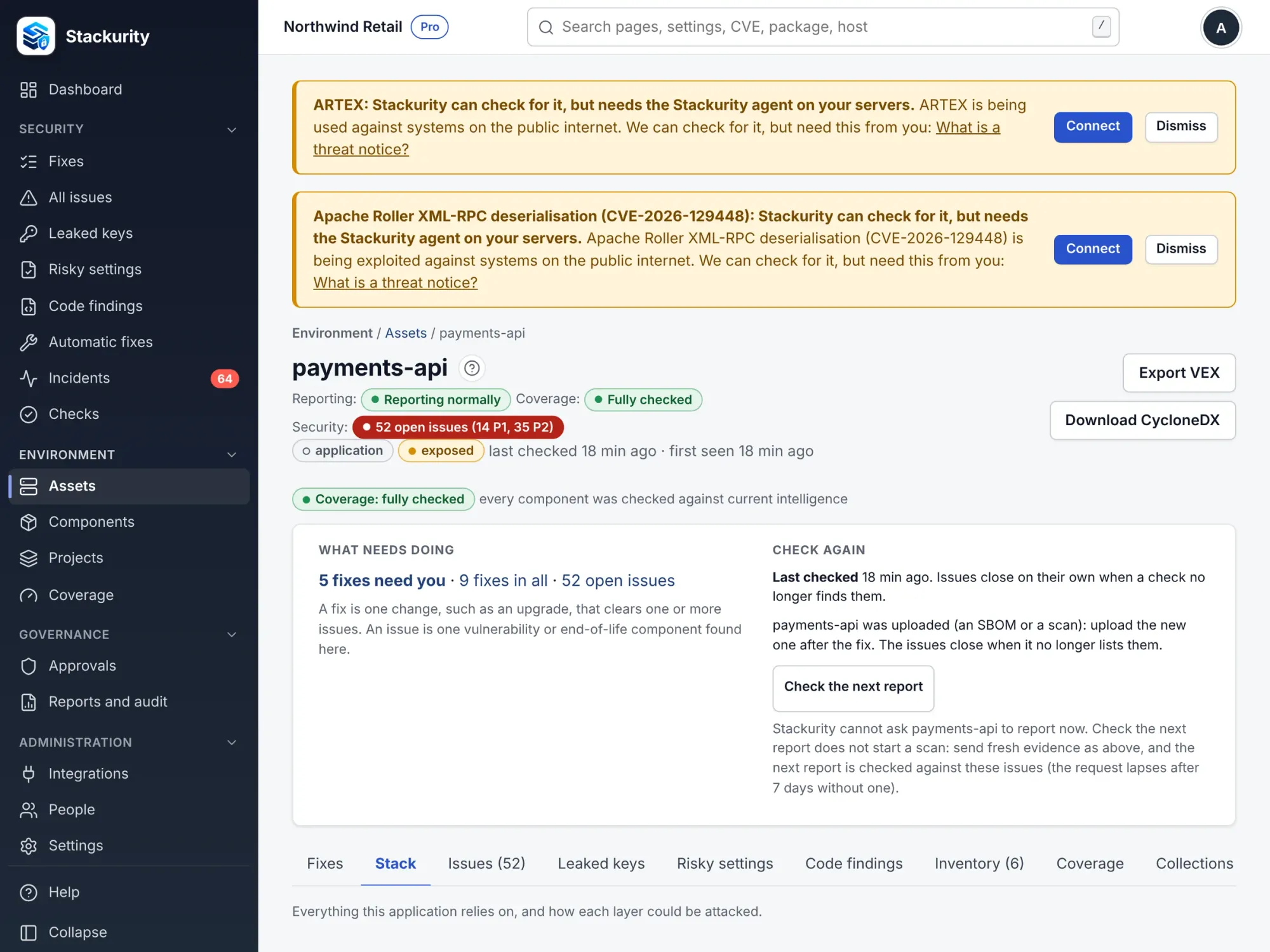
After you upgrade, Stackurity checks again and records whether the issue is really gone. There are limits worth knowing. Runtimes installed outside a package manager are checked for end of life only, not for vulnerabilities, and libraries copied into an application outside a package manager are not covered.
Start a free trial of Stackurity to see which of your servers and images run an end-of-life runtime today.
FAQ
How do I know when my runtime reaches end of life?
Read the vendor's own schedule. The Node.js project publishes a release schedule with an end-of-life date for every release line, and the PHP project publishes a supported versions page and a list of unsupported branches. Write the date for each runtime you operate in one shared list.
Should I jump straight to the newest runtime release?
Usually no. Pick a release line that is in long-term support or in its full support period, so the next forced upgrade is as far away as possible. The newest line is often too new for your libraries.
What if an application cannot move this quarter?
Record the risk with an owner and a date, isolate the application as far as you can, and keep its other layers patched. An unsupported runtime gets no fixes for new vulnerabilities, so the exception needs a deadline.
Does upgrading the runtime also fix the libraries my application uses?
No. A new runtime does not change the libraries in your lockfile. Update and test those separately, and treat a runtime change as a chance to clear old dependencies too.
Does Stackurity check runtimes for vulnerabilities?
For runtimes installed outside a package manager, Stackurity checks end of life only. It reads them from the agent's inventory and matches them against end-of-life dates every day.
Sources
Node.js Releases; Node.js Release Working Group; PHP supported versions; PHP unsupported branches.